Step 1. Log in to your Shopify Store as the store owner.
Step 2. Click on "Settings" in the admin section on the left sidebar.
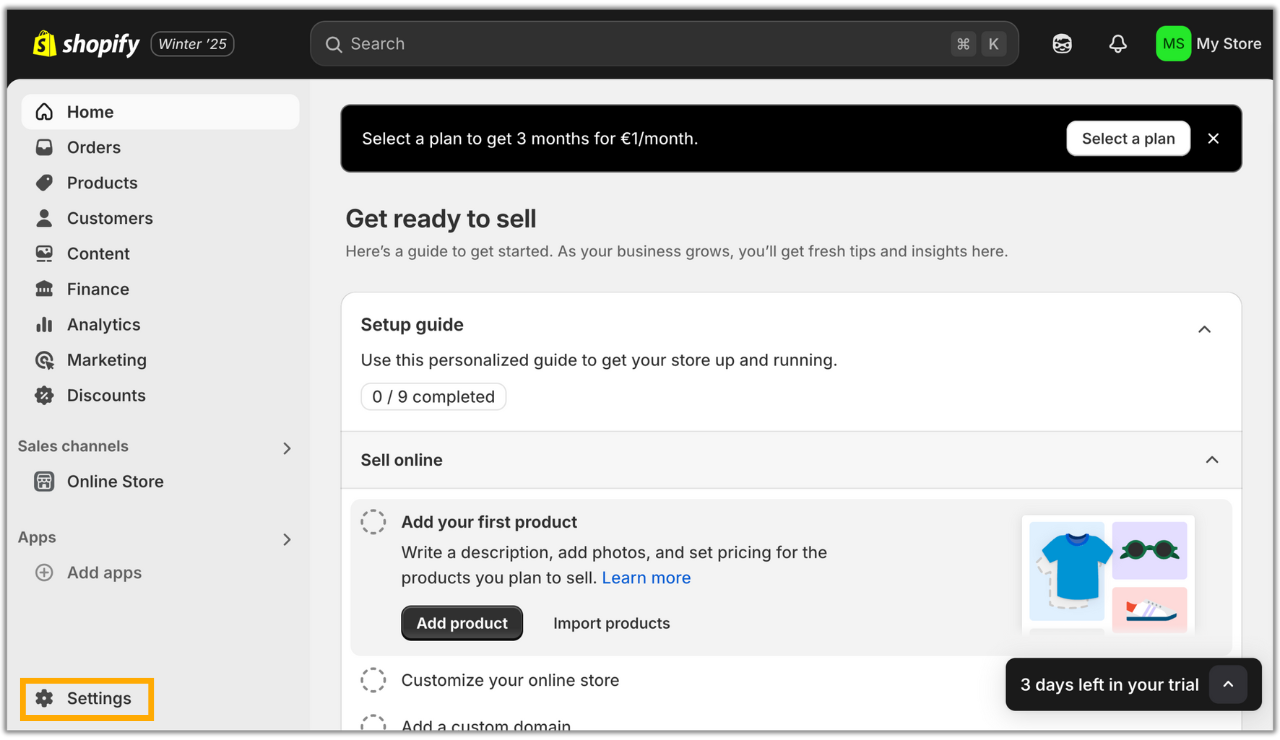
Step 3. A drop-down menu will appear. Click on "Apps and sales channels".
Step 4. In the next window, click on "Develop apps".
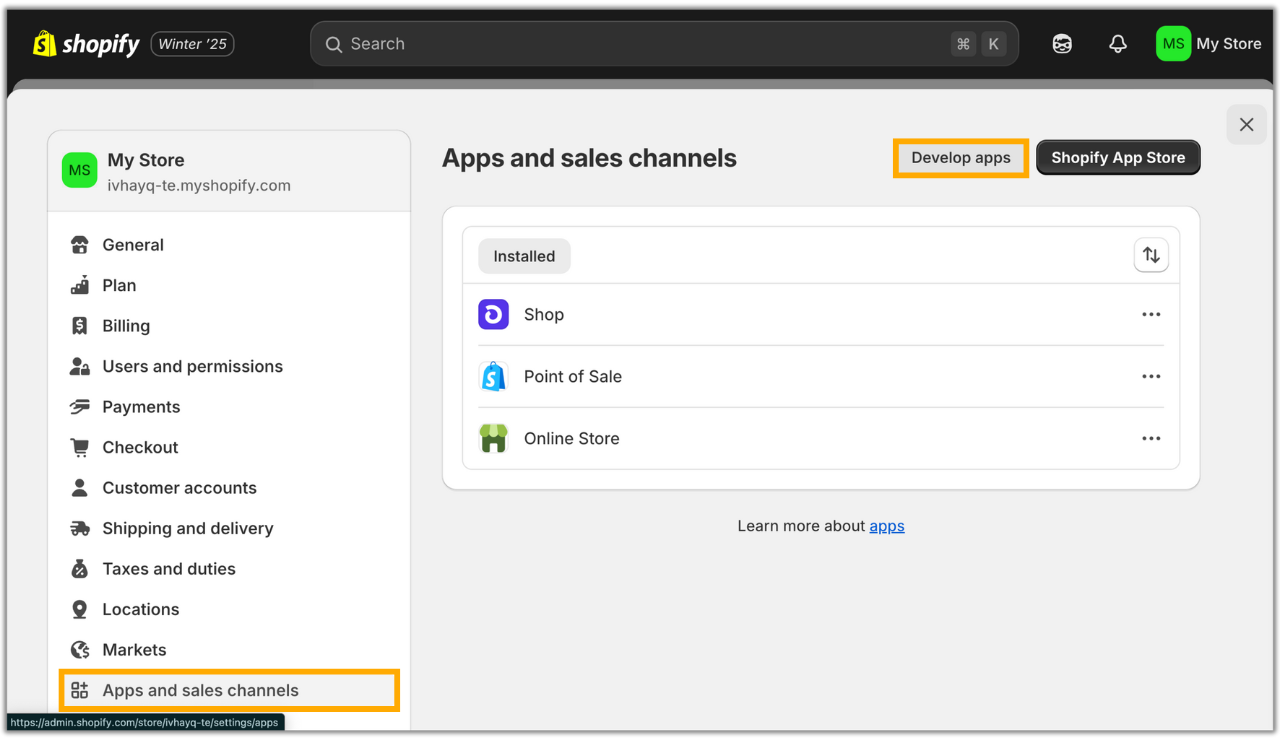
Step 5. Click on "Allow Custom App Development".
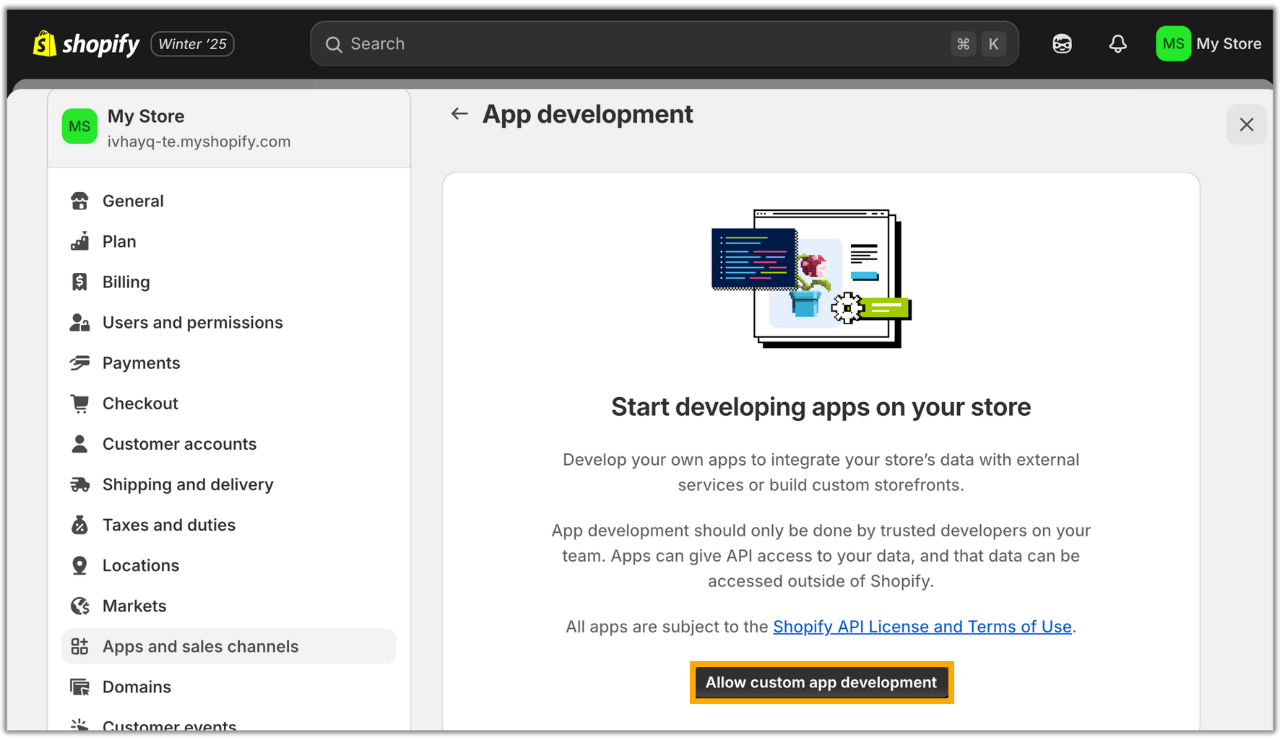
Step 6. In the next window, read the warning and information provided and click "Allow Custom App Development" again.
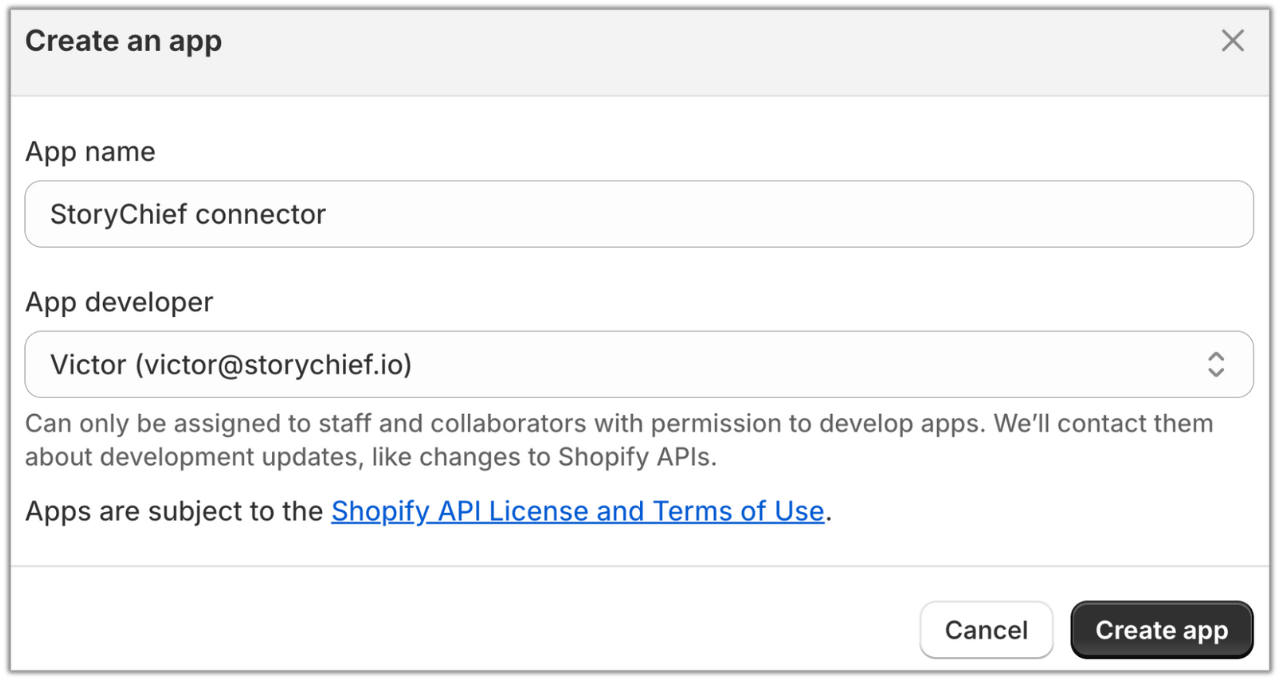
Step 7. After you've allowed the custom app development, you can select "Create an app".
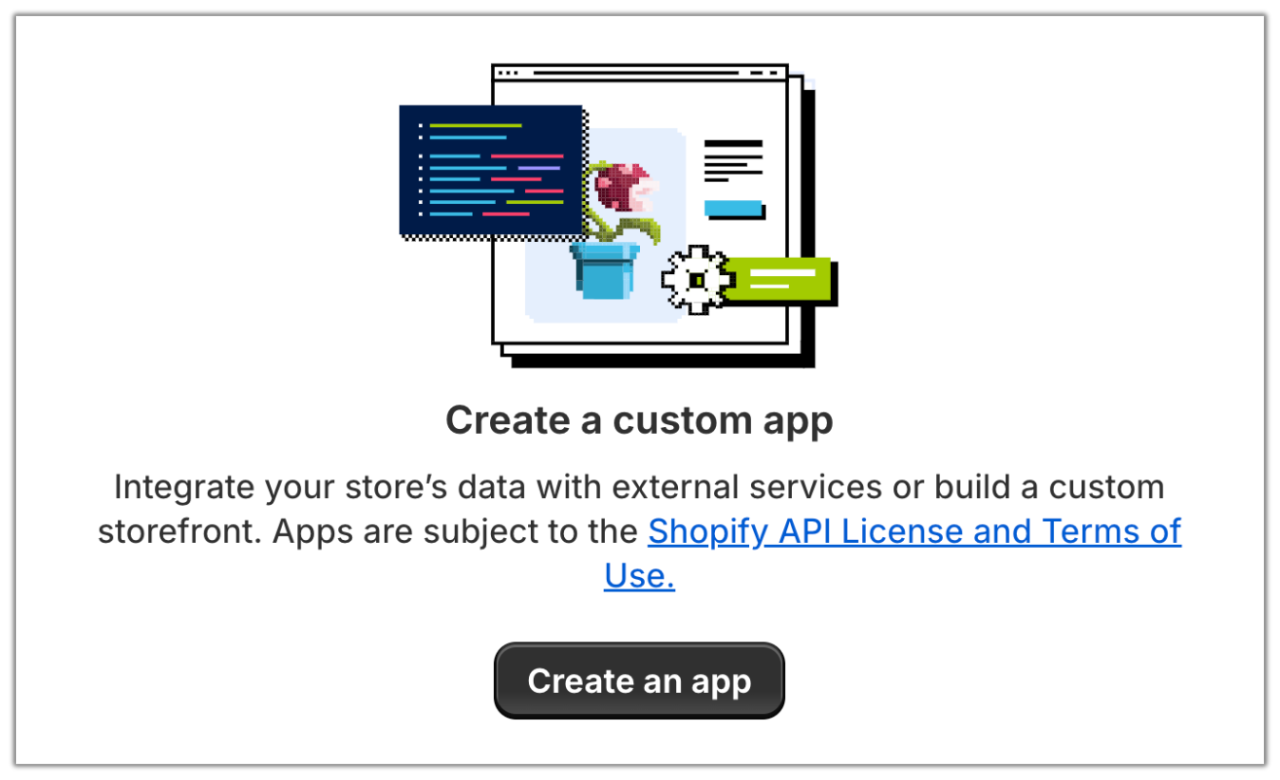
Step 8. You'll be asked to give your app a name and add your email in the "App developer" text box.
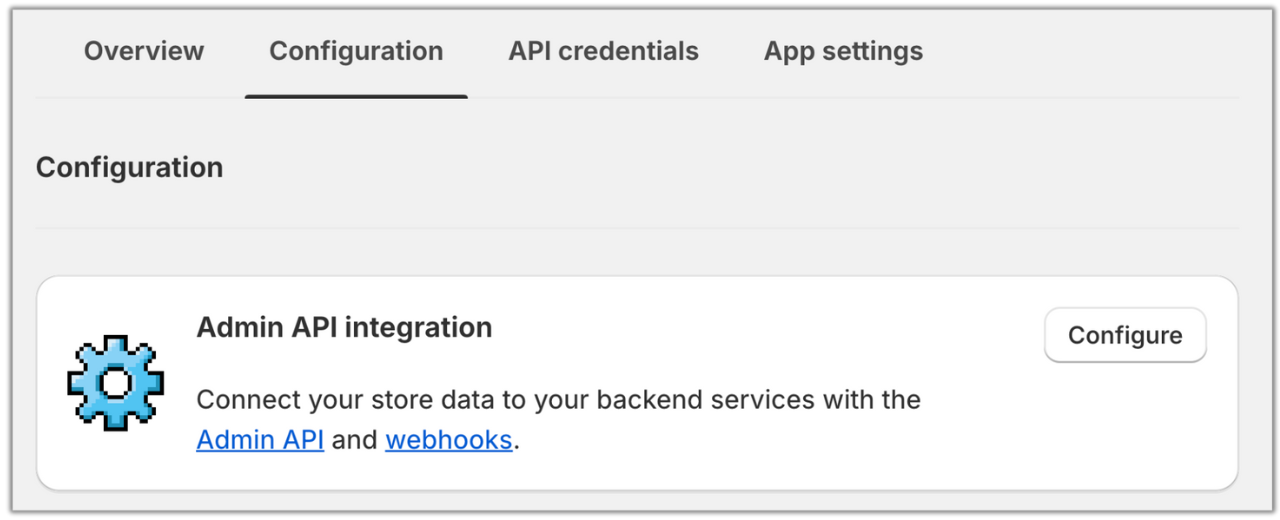
Step 9. Once you've created an app, navigate to the "Configuration" tab and select "Configure".
Step 10. In the "Admin API Integration" section. Under "Admin API access scopes" you'll see many categories. Search and enable following 6 scopes and Save:
write_inventory
read_inventory
write_product_listings
read_product_listings
write_products
read_products 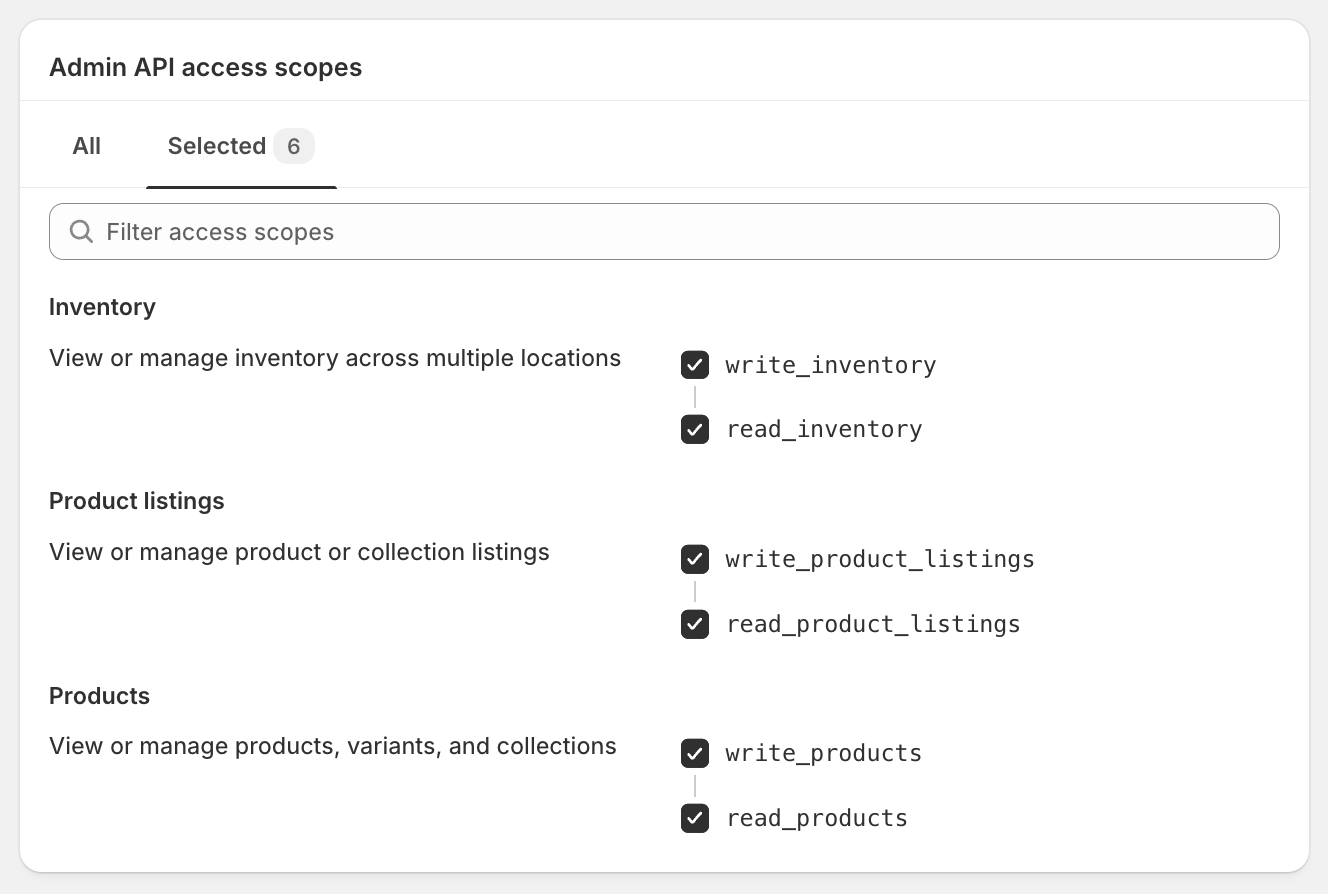
Step 1. Head to the tab "API Credentials".
Step 2. Click on "Install" in the "Access tokens" box.
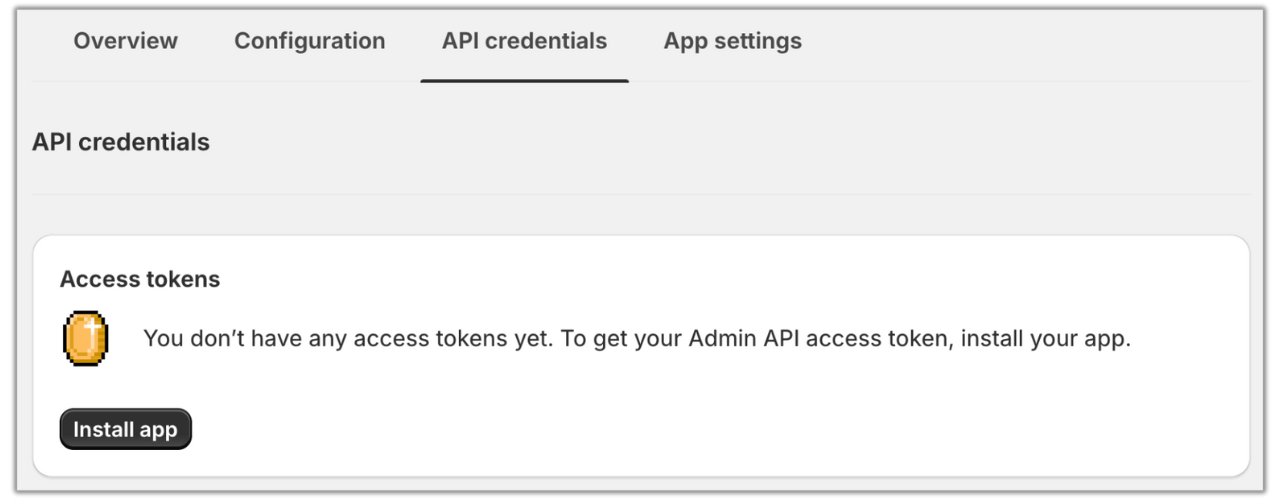
Step 3. Confirm the installation by clicking on "Install" in the window that appears.
Step 4. Now you will see your Admin API Access Token has been generated. Click on "Reveal token once" and you will see the token.
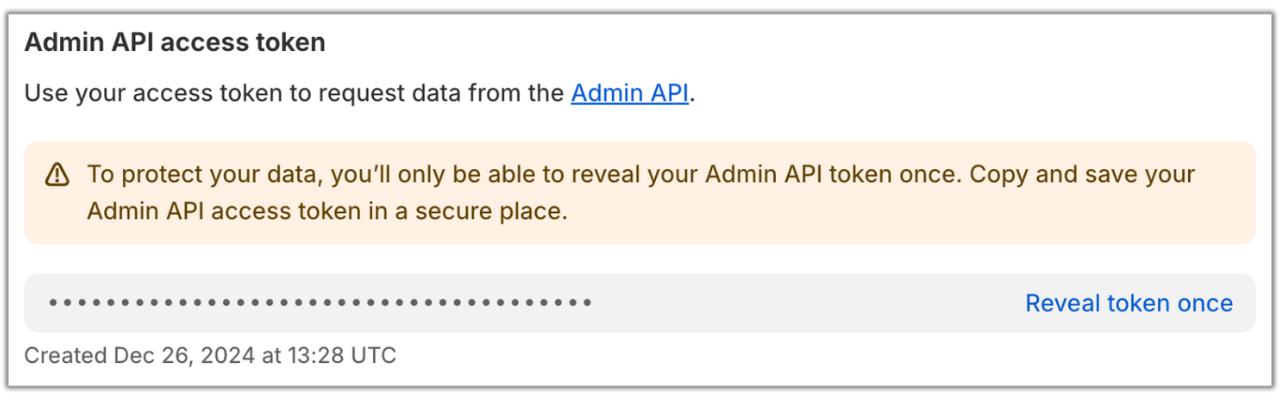
Step 5. You know have an API Access Token.
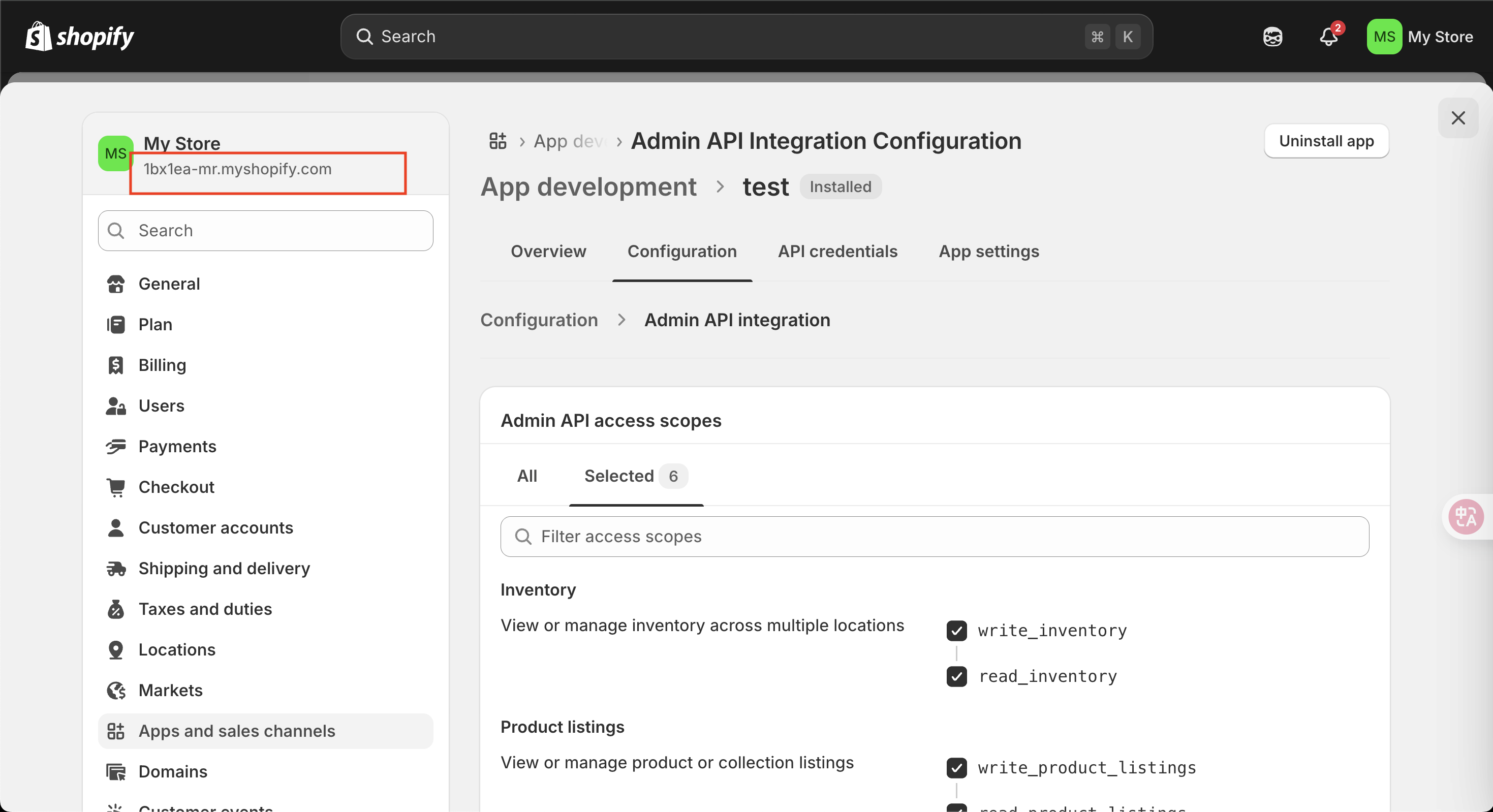
Step 1. Click on "Settings" in the admin section on the left sidebar.
Step 2. Copy this URL you see in settings. This is your store URL.
Step 1. Go to “integrations“ page using sidebar.
Step 2. Choose Shopify from dropdown and insert details and save.
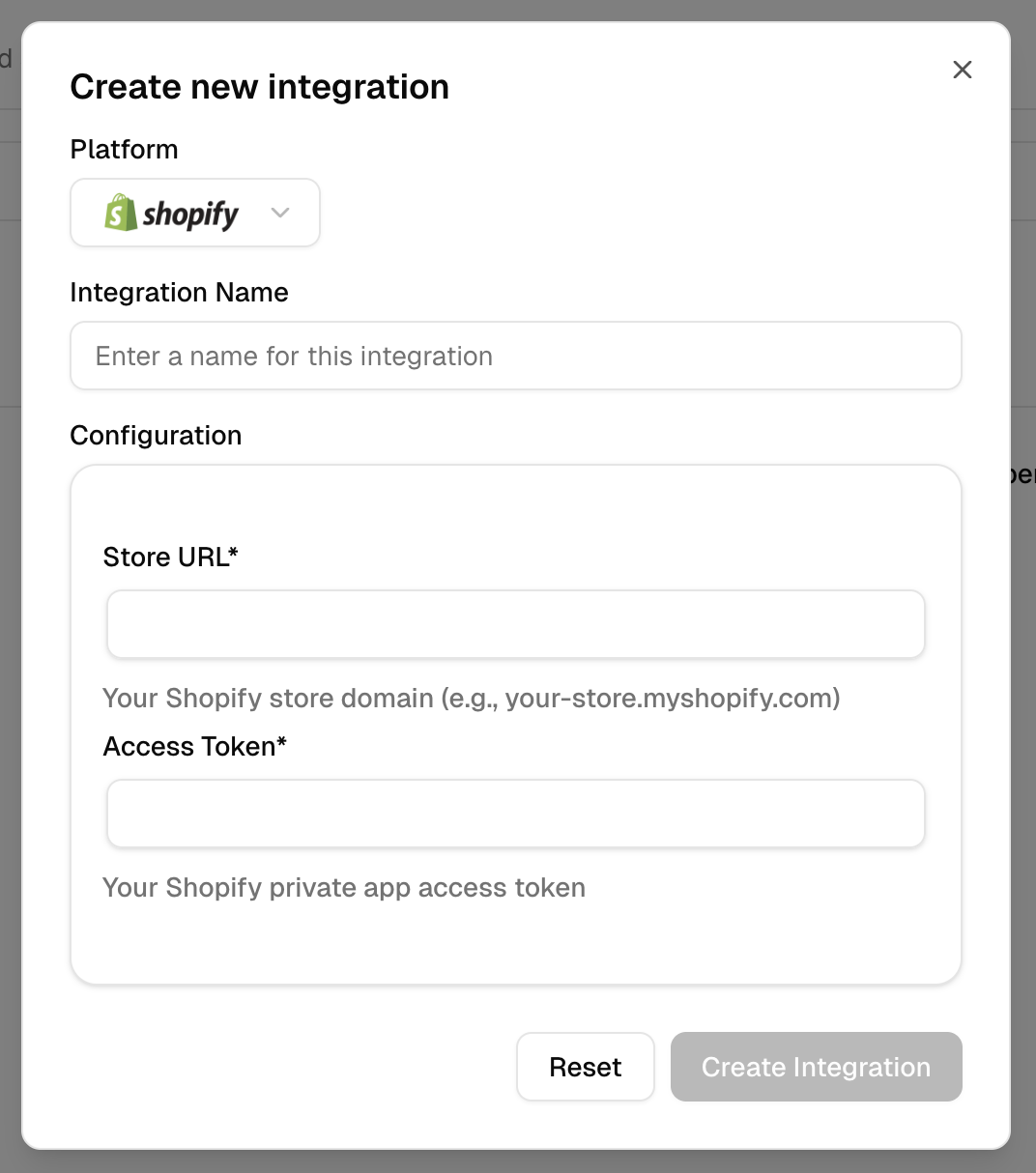
You are all set!
